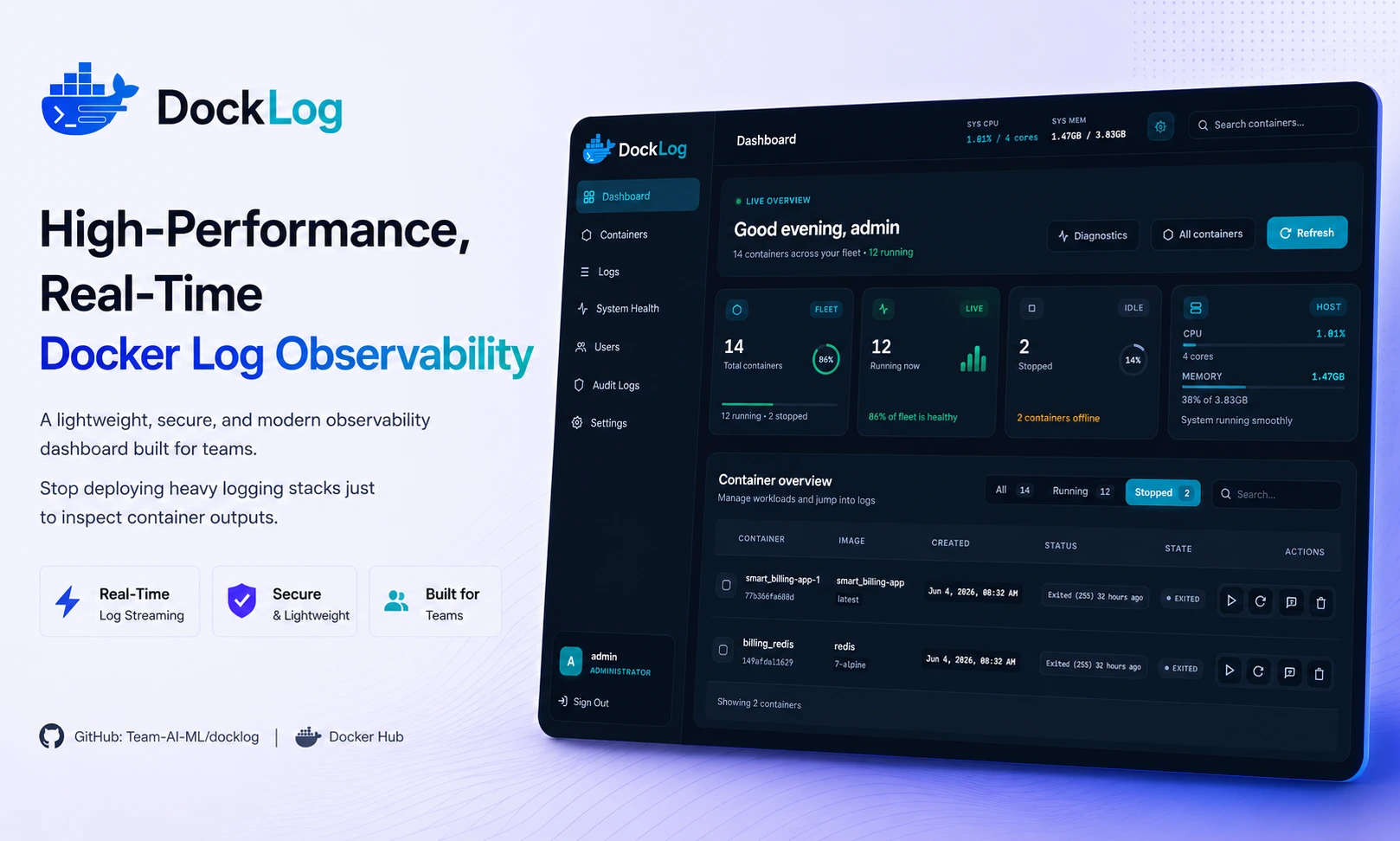
What it does
DockLog ships as one image for Docker, Kubernetes, or both. Connect a runtime by mounting the Docker socket, a kubeconfig, or both. RUNTIME_MODE controls which APIs and user interface sections are enabled. Next, choose auth mode, which uses SQLite and suits teams, or no-auth mode for a fast local dashboard. From the same interface, read logs, watch host stats, and start, stop, or restart containers or pods. An optional in-browser terminal is available when permissions allow. A deployment builder generates a Docker Compose file or a plain docker run command with runtime, auth, and action flags. Companion apps connect to a DockLog server you host. They run on Android, Windows, and Linux, and iOS is coming soon. DockLog says it uses about 30MB of RAM and runs comfortably on a small VPS.
Capabilities
- Tails stdout and stderr from Docker containers or Kubernetes pods over WebSockets, with autoscroll, reconnect, and timestamps.
- Granular RBAC limits who sees which containers, namespaces, or pods, using wildcards or regex.
- A Kubernetes hub shows pods, deployments, HPAs, services, and cluster events.
- Alert rules cover log patterns, Docker events, Kubernetes events, and CPU or memory thresholds, with cooldowns and per-channel delivery.
- Webhook notifications go to Slack, Teams, Discord, or custom HTTPS webhooks for workload, security, health, and admin events.
When to use it
- You want to read Docker container and Kubernetes pod logs without a full logging stack.
- Production and staging share a host or cluster, and you need to limit who sees which workloads.
- You want a fast local dashboard and are fine using no-auth mode.
