What it does
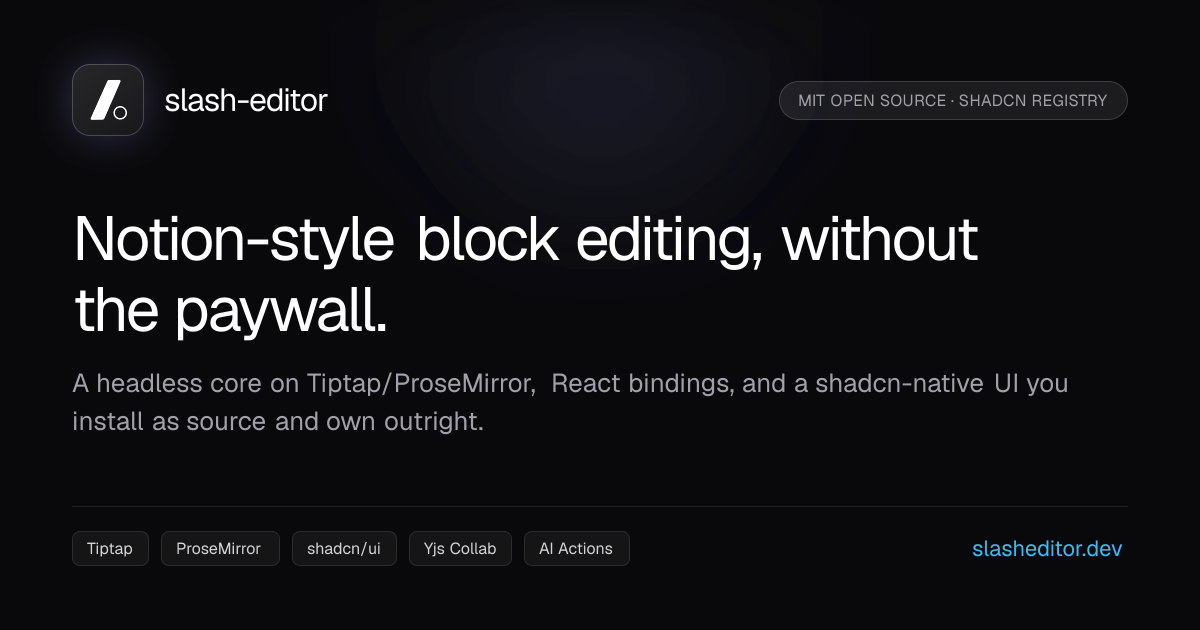
slash-editor provides block editing for React applications. The @slash-editor/core package contains Tiptap and ProseMirror extensions and commands only, with no React and no CSS. The rendered UI installs as source through a shadcn registry rather than a locked component library. Each registry item copies its source into your repository, where you edit it like any other file. You can restyle the UI with your own tokens. One shadcn command installs the whole kit, after a one-time registry setup in components.json. Real-time collaboration uses self-hosted Yjs and Hocuspocus. AI slash actions stream through a StreamAdapter that you write against any model.
Capabilities
- Keyboard-first block interaction with slash insertion, hover drag handles, reordering, nesting and block comments.
- The createBlockKit function in @slash-editor/core builds the editor extensions, and options such as image: false are passed to it.
- 22 registry items, each a standalone entry. You can take the whole kit or a single item.
- Collaboration includes presence carets and a comment thread store, with no hosted sync server to pay for.
- AI slash actions include continue writing, summarize, brainstorm and fix grammar.
When to use it
- You need a Notion-style block editor in a React application.
- You want editor UI source that you own and restyle with your own tokens.
- You want self-hosted real-time collaboration with presence carets and comment threads.
